
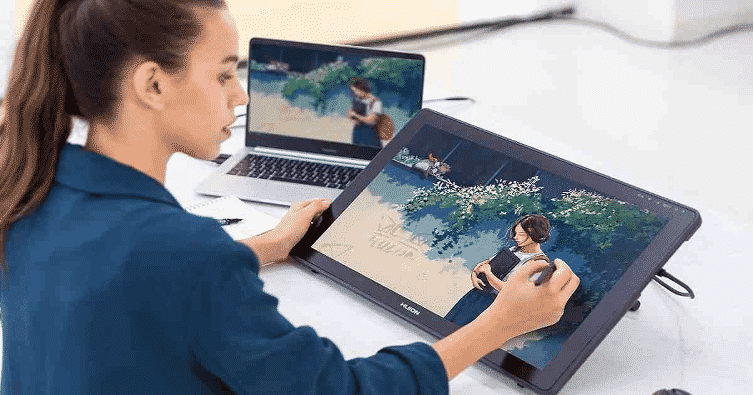
Whether Apple, flagship Android Samsung, or any other android tablet, you can make the best use of it. Hacks and tips abound to make it work in between the world of cell phones and laptops. Tablets are amazing inventions that can tread on both worlds and leave the users well-satisfied if they just know the tricks.
You can make it easier to use, work with laptop and smartphone features, and just get the best use out of your go-to tool. Here are some tips for you:
Enlarge your storage using the cloud
Most tablets only allow you to store a few photos, videos, or any other documents as they usually offer storage from 32 GB to 64 GB. However, if you’re working on programs that will take up much space, flash drives and SD cards will not do.
Fortunately, there are various free cloud options available, including Dropbox, Google Drive, and Amazon Cloud where if you get to the maximum of your storage capacity, you can always switch to the premium capacity.
If you switch to premium capacity, you have much cheaper options like Google that charges a mere $5 every month for an extra 100 GB of storage. Plus, you can access your files anywhere, too, making everything easier.
Print without cables
Tablets aren’t behind on many matters. Again, the cloud enables them to do so much. Compared to laptops or computers which you have to install a driver with, connect to a cable, and all, with tablets, you can actually print wirelessly through network printers.
Google offers Cloud Print that makes your printing projects just a few clicks away. You’ll only need to follow some simple instructions like going to the Chrome settings, tapping the Advanced Settings, and selecting cloud printing.
The instructions are as simple as that. Next time you have to print, through tablets or any device, you’re ready to print without cables since your Chrome settings have saved your preference.
Make it a mini-laptop
It’s time to convert your tablet into a mini-laptop. Either for work or studies, make typing easier by using third-party keyboards. You can just have a tablet holder, a wireless keyboard, and a wireless mouse, and you’re good to go. One sleek, ready-to-go option is a roll-out keyboard that can just fit easily whatever bag you have.
But if you’re good with the tablet keyboard, know that there are so many keyboard options for you and not just the QWERTY interface. Many other keyboard options abound that let you go out from that standard QWERTY, all of which you can find in Google Playstore.
Use it as a phone
Tablets are still inferior to desktops, but they’re built to be more powerful than smartphones. The great thing is that they can work between the two. There are many tablets with SIM card slots so you can just connect either through Wi-Fi or cellular.
Make sure to check first what carrier/SIM card it supports and what it relies on—whether 3G, 4G, LTE, etc.—so that you can buy the most compatible one for your tablet.
Another way is to use it for Skype the way you use your phones to connect with your loved ones. You can opt for other apps, but one thing’s for sure, it’s way more amazing to get in touch with your loved ones on a bigger screen rather than a phone.
Declutter your screen
Like any other device, tablets upon purchase will have apps ready in the system, which you can always choose to remove if you don’t need them. This way, you can put in other apps that you truly need and make your screen much easier for the eye.
Some default apps cannot be removed, but you can always delete the rest. For pre-loaded apps that refuse to be deleted, there are ways around Android and iPad.
In Android, click Settings app, Applications, manage applications, the app you want to uninstall, then Uninstall. For an iPad that runs iOS or above, you can delete even those in the operating system. Simply tap the app, hold until it wobbles, then press X when it appears.
Use it as a remote control
What many don’t know is that they can use their tablets as a remote control too! It’s much easier than having to find remote controls that just magically disappear whenever needed. The remote control feature comes with the TV Sideview app, which both Apple and Android offer, and can control TVs, DVDs, stereo systems, and Blu-Ray players.
All these you can do with just a mere tablet. Why not try these hacks out? See for yourself how it makes your life much easier.

